Braces Filter
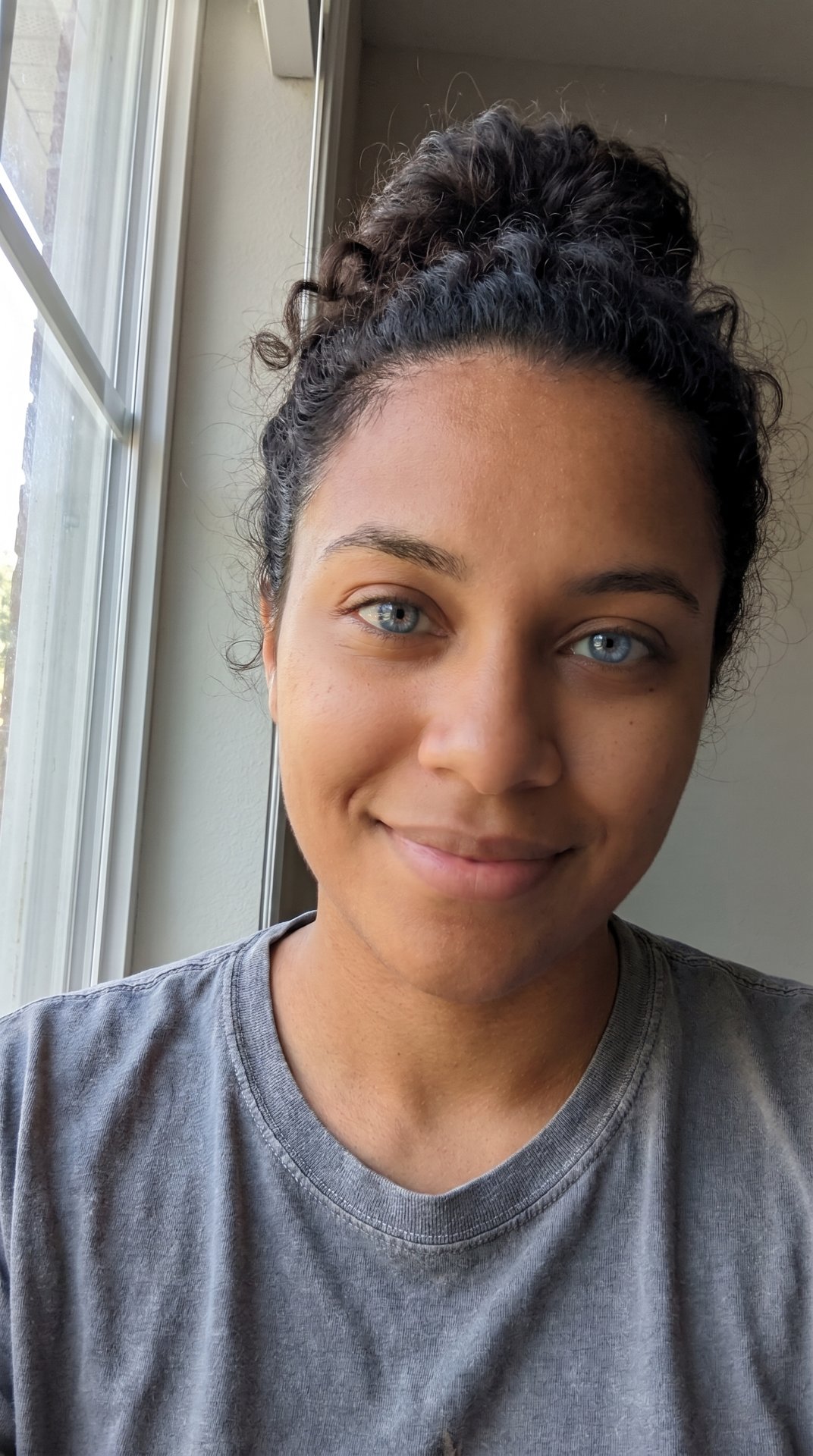
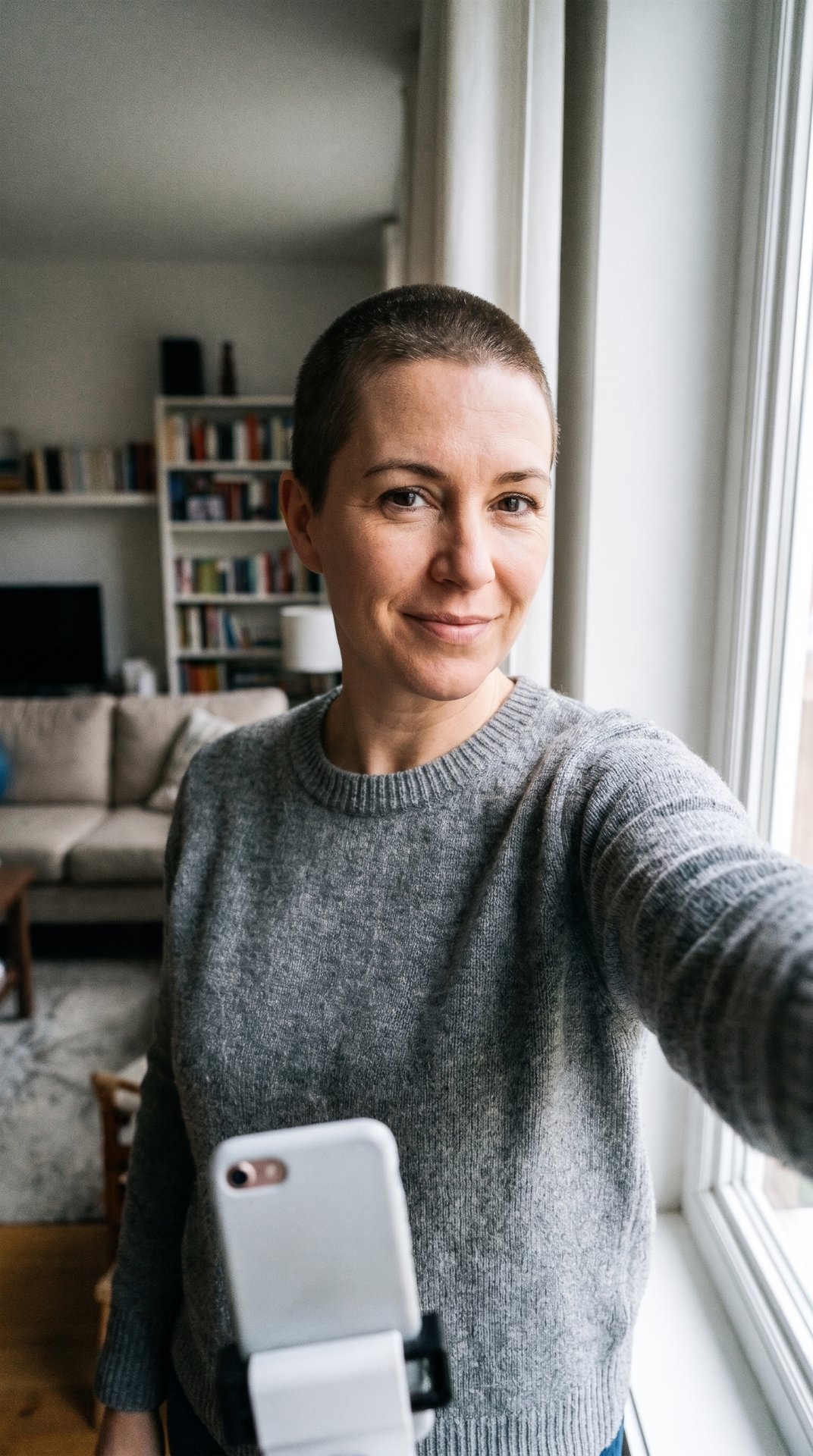
A braces filter is a camera effect or AI edit that puts metal braces with colored bands on your teeth, so you can see how you'd look with braces or fool your friends. TikTok's Braces effect was behind a January 2023 post with 7.4 million plays, and Snapchat and Instagram have braces lenses too. Ours makes a still picture from one selfie, in the band color you choose.

Same smile, plus a mouthful of metal and rainbow bands.
Post it today. Searches are near their high and most people get it.
Made with this generator
Examples are made with AI, using AI-made people.
What does Braces Filter mean?
A braces filter does one thing: it adds braces. Brackets sit on the front of each tooth, a thin wire joins them, and small elastic bands, often in bright colors, hold the wire in place. The rest of the face stays as it is, so the result looks like you on the day you got them.
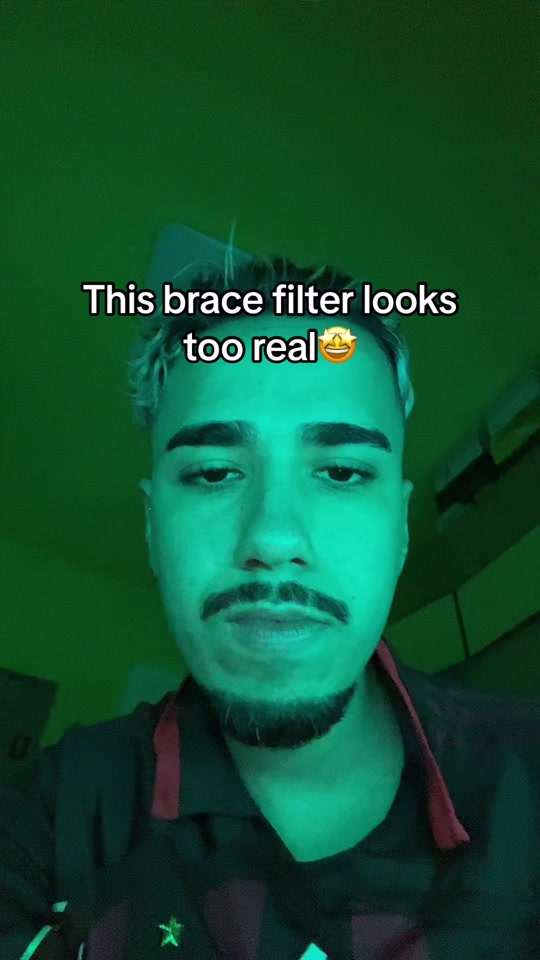
People use it for two reasons. Some want a preview: what would I look like with braces, and which band color suits me? Others use it as a joke, posting a clip that makes friends ask whether the braces are real. A post by @davidmaluco_ in April 2024 put it in the caption: "This brace filter looks too real."
Why did Braces Filter take off?
The braces filter needs nothing but a smile, and the change is easy to see in the first second. It also plays with something many people know from their teens, so the comments fill with people comparing their own braces, or saying they never had them.
It is useful, too. Braces are a real decision, and seeing them on your own face before an appointment is a quick way to picture it. AI tools such as VEED's braces filter let you pick the band color and also offer the reverse, a filter that removes braces.
Where did Braces Filter come from?
There is no single first post. A braces filter is something people keep searching for, and it lives on several apps at once.
On TikTok, the effect is simply called Braces. A post by @autumnnmonique on January 4, 2023, captioned "Cheeeeese," used it and has 7.4 million plays, per TikTok's own post data (read on October 23, 2026). On April 8, 2024, @davidmaluco_ posted a clip with the text "This brace filter looks too real" over his face; TikTok lists its effect as "brace," and the post has 8.7 million plays. A YouCam guide from March 2026 says to tap +, open Effects and search "Braces" on TikTok, and to search "Braces" under Browse Effects on Instagram.
Snapchat has its own braces lenses, made by Snapchat, such as Braces Filter and Bejeweled Braces, next to many made by the community.
The look itself is older than the filters. In January 2013, Salon and DentistryIQ reported that teens in Thailand, Indonesia and Malaysia were buying fake "fashion braces" that did nothing for their teeth, for about $100, and that Thailand had banned them. A braces filter gives the same look with no wire in your mouth.
- Salon reports that teens in Southeast Asia are buying fake fashion braces, and that Thailand has banned them.
- @autumnnmonique posts a smile with TikTok's Braces effect; it reaches 7.4 million plays.
- @davidmaluco_ posts "This brace filter looks too real"; 8.7 million plays.
- A YouCam guide explains how to find the Braces effect on TikTok and Instagram.
- ViralMeme adds a braces filter that makes a picture from one selfie, in the band color you choose.
Popular versions of Braces Filter
The "is it real?" clip
The classic braces filter post: smile at the camera with the effect on and let the comments argue. The 2024 @davidmaluco_ clip did it with one line of text: "This brace filter looks too real."
The band color test
People about to get braces try different colors on their own smile. AI versions such as VEED's let you name the color, for example green bands.
The Snapchat lens
Snapchat's braces lenses work live in the camera. Some are plain metal; Bejeweled Braces, made by Snapchat, adds sparkle.
The braces remover
The reverse version: people who already wear braces use an AI filter to see their teeth without them. VEED offers it next to its braces filter.
How do I make Braces Filter?
- Photos
- 1 photo of you
- Output
- Image: vertical 9:16, about a minute, 5 credits
- You choose
- A caption (optional)
- Fixed
- Metal braces with silver brackets and wire; only the band color changes
You get
- A picture of you smiling with metal braces: a silver bracket on each tooth, a thin wire and a small elastic band on every bracket
- Bands in the color you type, or rainbow if you leave it as it is
- Your face, hair, clothes and background as in your photo; if your mouth is closed, you're given a smile so the braces show
Not included
- A live camera filter or TikTok's or Snapchat's effect
- A video: this one is a picture
- A preview of real treatment: the braces are drawn on your teeth as they are, and nothing moves
Step by step
- Tap "Put me in it" at the bottom of this page.
- Upload your photo, or both photos. A clear, front-facing face works best.
- Type a caption, or leave it empty.
- The price is on the button, and a new account that signs in with Google gets 10 credits free.
- Wait for it to finish. It is saved under Me, where you can download or share it. A render that fails is refunded.
How to post Braces Filter on TikTok
- Use a bright, front-facing photo where your teeth show; the braces filter has more to work with.
- Pick a band color that says something: rainbow for fun, one color to test a real choice.
- If it's a prank, tell people it's a filter before anyone books a dentist.
Questions about Braces Filter
How do I get the braces filter on TikTok?
Tap + to make a new video, open Effects and search "Braces", as YouCam's March 2026 guide describes. The big posts we found used TikTok effects listed as Braces and brace. Effects come and go, so the exact one you find may differ.
Is there a braces filter on Snapchat?
Yes. Snapchat lists braces lenses made by Snapchat itself, such as Braces Filter and Bejeweled Braces, plus many made by the community. Search "braces" in the lens search and tap one to try it in the camera.
How do I get the braces filter on Instagram?
Open the camera, swipe through the effects and tap Browse Effects, then search "Braces" and tap the save icon to keep it, per YouCam's guide. The effects there are made by creators, so names vary.
Can I use a braces filter online without an app?
Yes. AI tools take an uploaded photo and add braces, with no camera effect needed. Ours works that way in the browser: you upload one selfie and get a picture back.
Can I choose the color of the bands?
In ours, yes: type a color in the Band color box, or leave it on rainbow. VEED's AI braces filter also lets you name a color. Live effects on TikTok and Snapchat come in whatever colors their maker chose.
Does a braces filter show how my teeth will really look?
No. It's a picture, not a treatment plan: it adds braces to the teeth in your photo but doesn't know how your teeth will move. VEED's own page says it's for a visual preview. Ask an orthodontist about the real thing.
Is there a filter that removes braces?
Yes, the reverse exists: AI tools such as VEED's braces remover show your teeth without braces. Ours only adds them.
How much does your braces filter cost?
Reading this page is free. Making your braces picture costs 5 credits, and a picture that fails is refunded.
Sources
- TikTok: @davidmaluco_, "This brace filter looks too real", April 2024
- TikTok: @autumnnmonique, Braces effect, January 2023
- Snapchat: Braces Filter by Snapchat
- Snapchat: Bejeweled Braces Filter by Snapchat
- YouCam (Perfect Corp): Braces Filter Online & App, March 2026
- VEED: AI Braces Filter
- Salon: Asian teenagers flock to get fashion braces, January 2013
- DentistryIQ: Asian teens wearing fake braces as status symbol, January 2013
What changed on this page
Updated Oct 23, 2026
- Page added: what the braces filter is, where to find it, and a maker that puts braces on your selfie, in the band color you choose.
No account or email needed. We check every report within two days; a fix shows up in the list above with the date and what changed.
 Braces FilterThe trend