Cat Ears Filter
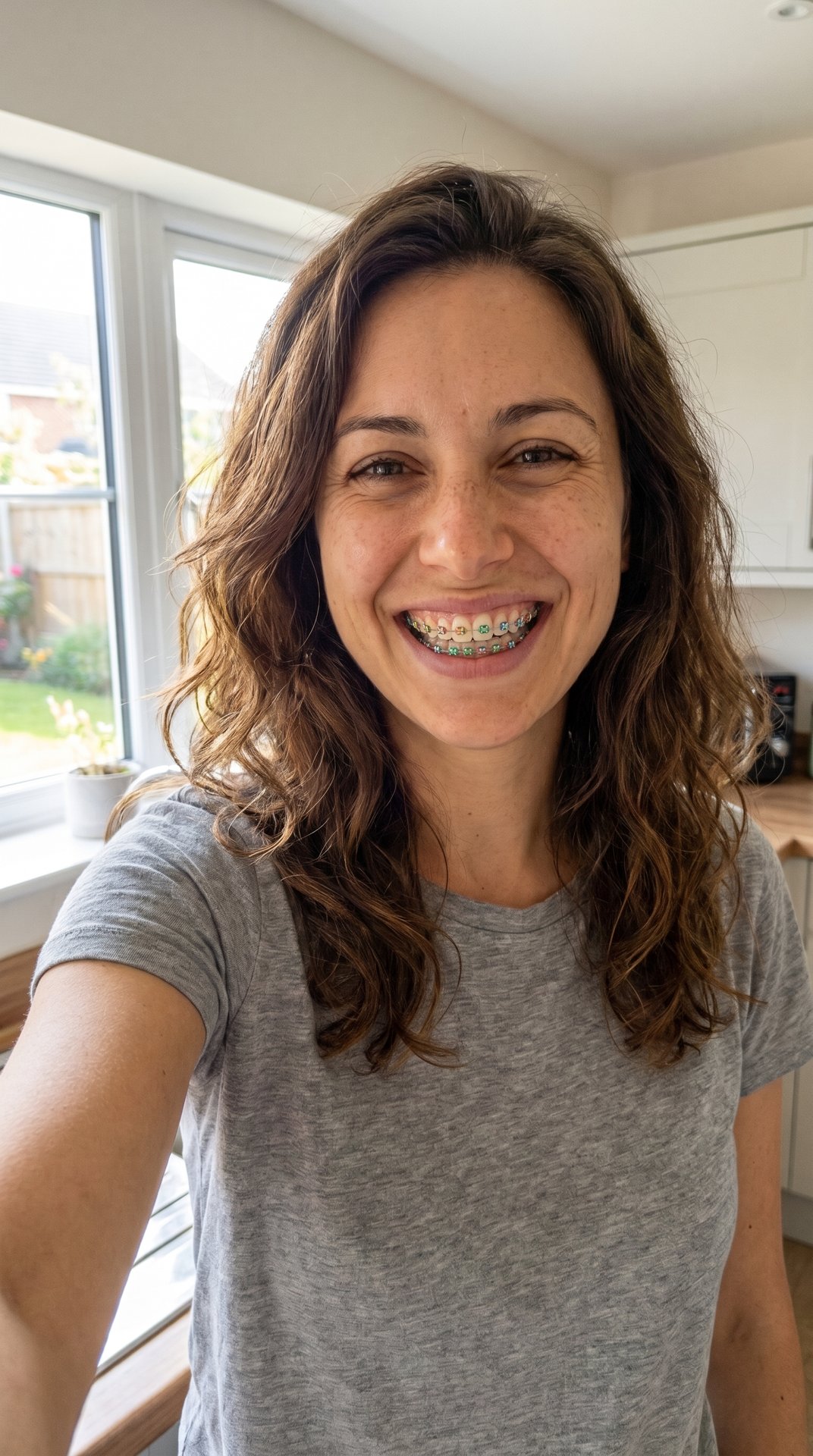
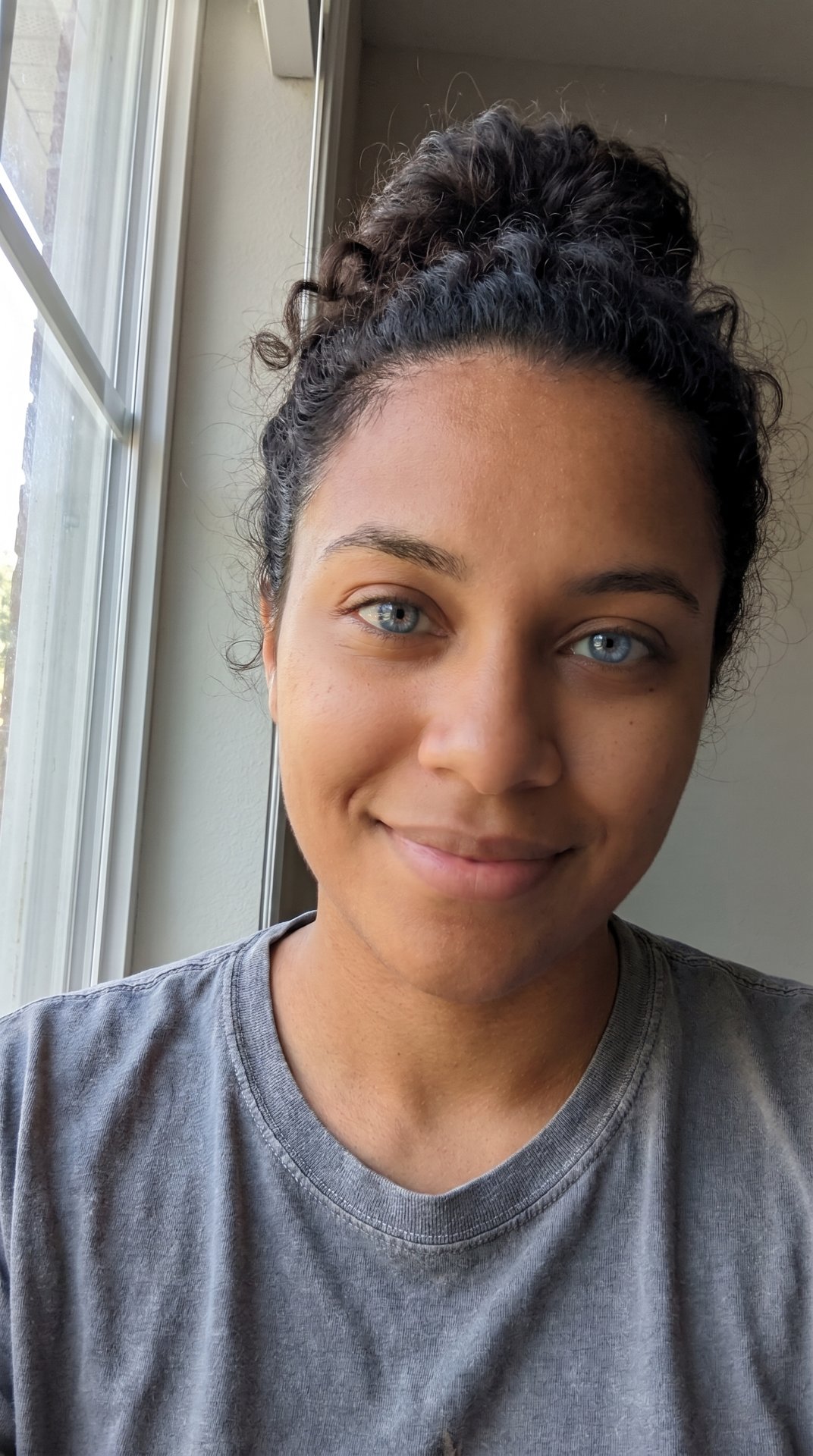
A cat ears filter is a selfie effect that adds soft cat ears to your head, a small pink nose and whiskers on your cheeks, while your face stays your own. It has been a Snapchat lens since at least March 2016, Instagram added face filters in May 2017, and Snapchat's Spotlight still collects cat ears filter clips in 2026. There was no single viral moment: it is a filter people keep coming back to. Here you can make the look from one photo.

Two ears, a pink nose, six whiskers. Still the same face.
Post it today. Searches are near their high and most people get it.
Made with this generator
Examples are made with AI, using AI-made people.
What does Cat Ears Filter mean?
The cat ears filter is the gentlest kind of face filter. It doesn't swap your face or turn you into an animal; it adds three small things a cartoon cat would have: pointed ears with pink insides, a little pink nose and thin whiskers. The face underneath stays yours, which is why it reads as cute rather than strange.
People use it for a playful selfie, a profile picture, a story when they don't feel like a plain photo, or a quick cute post. On Snapchat, the topic page for the cat ears filter collects Spotlight clips with titles like "Adorable Cat Ears Filter Transformation" and "How to Use Cat Ears and Nose Filters for a Cute Look."
Why did Cat Ears Filter take off?
It flatters almost anyone and asks nothing: no costume, no makeup, no skill. Whiskers and animal ears were selfie decorations before phone lenses existed; Japanese purikura photo booths offered cat whiskers and bunny ears in the late 1990s, per Wikipedia.
It also keeps getting remade. Snapchat added animated Lenses in September 2015, Instagram followed with face filters in May 2017, and Snapchat made a sound-reactive lens with whiskers and glowing ears in 2018. When Meta switched off third-party effects on January 14, 2025, Instagram's creator-made cat ear filters went with them, and AI photo tools now offer the look from a single picture.
Where did Cat Ears Filter come from?
No one post started the cat ears filter, and no news story names a first one. It grew out of the earliest selfie decorations: Wikipedia notes that purikura booths in Japan offered cat whiskers and bunny ears among their effects, and that Snapchat bought Looksery and released its animated Lenses in September 2015.
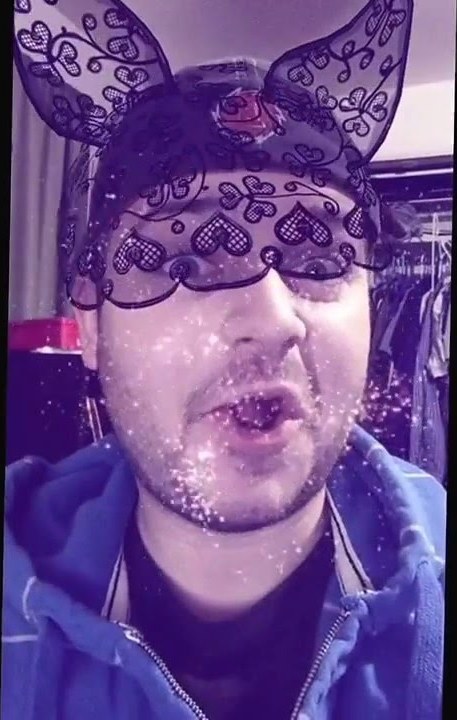
The earliest dated cat ears filter post we found is a YouTube clip from March 1, 2016, "Snapchat Filter: Cat Ear Lace", showing a Snapchat lens with lace cat ears and a veil. By June 6, 2016, a beauty creator was recreating the "Snapchat cat filter" in makeup. Instagram launched its own face filters on May 16, 2017, led by furry koala ears that move and twitch, and on May 29, 2018 Fortune described Snapchat's first lens that reacts to sound: a heart nose, whiskers and glowing ears that grow when you speak.
In October 2018 Snapchat made its lenses work on cats too; Free Malaysia Today noted the camera could tell kitties from humans, so an owner in cat ears and the cat could both wear one. The best-known cat filter moment wasn't ears at all: on February 9, 2021, a Texas lawyer joined a Zoom hearing behind a kitten face filter and said "I'm here live, I'm not a cat." Then Meta announced on August 27, 2024 that third-party effects would stop on January 14, 2025, and Filmora's guide says Instagram no longer has the creator-made cute cat ear filters, only its own effects.
- Purikura photo booths in Japan offer cat whiskers and bunny ears as decorations, per Wikipedia.
- Snapchat buys Looksery and releases its animated Lenses.
- A YouTube clip shows a Snapchat lens with lace cat ears, the earliest dated cat ears filter post we found.
- A beauty creator recreates the "Snapchat cat filter" in makeup on YouTube.
- Instagram launches face filters, led by koala ears that move and twitch.
- Fortune covers Snapchat's first sound-reactive lens: a heart nose, whiskers and glowing ears.
- Snapchat's lenses start working on cats as well as people.
- A Texas lawyer appears at a Zoom hearing behind a kitten filter: "I'm not a cat."
- Meta switches off third-party AR effects on Instagram, Facebook and Messenger, as announced in August 2024.
Popular versions of Cat Ears Filter
The classic cat ears and nose
Soft ears with pink insides, a pink nose and whiskers: the look people mean by the cat ears filter, and the one Snapchat's topic page is full of.
The coloured or patterned ears
Some lenses swap the ears' colour or pattern; the Snapchat topic page shows pink leopard ears and green cat ears with a nose, and the 2016 Snapchat lens used black lace ears.
The cat filter for your cat
Since October 2018 Snapchat's lenses also work on cats, so the pet can wear the ears or a flower crown next to its owner.
The AI cat ears filter
AI photo tools make the look from one uploaded picture instead of a live camera; Dreamina's cat ears filter page offers prompts that add ears while keeping the face.
How do I make Cat Ears Filter?
- Photos
- 1 photo of you
- Output
- Image: vertical 9:16, about a minute, 5 credits
- Fixed
- The ears, the pink nose and the whiskersNo text or stickers added
You get
- A picture of you with soft, fluffy cat ears set into your hair, a small pink cat nose and thin whiskers on your cheeks
- Your face, expression, hair, clothes and background kept as in your photo
- A vertical image, ready for a story or a profile picture
Not included
- A live camera filter or Snapchat's or Instagram's own lenses: it's made from one photo
- A video: this one is a picture
- A choice of ear colour or style
- Someone else's face: use a photo of yourself
Step by step
- Tap "Put me in it" at the bottom of this page.
- Upload your photo, or both photos. A clear, front-facing face works best.
- The price is on the button, and a new account that signs in with Google gets 10 credits free.
- Wait for it to finish. It is saved under Me, where you can download or share it. A render that fails is refunded.
How to post Cat Ears Filter on TikTok
- Start from a clear, front-facing selfie in good light; hats and hoods hide where the ears go.
- Post the cat ears filter picture as a story or a profile picture, or put it after a plain photo as the reveal.
- Only use your own photo, or a friend's with their okay.
Questions about Cat Ears Filter
What is the cat ears filter?
A selfie effect that adds cat ears on top of your head, a small pink nose and whiskers, with your face kept as it is. It has been a Snapchat lens since at least 2016 and Instagram had creator-made versions until 2025.
How do I get the cat ears filter on Snapchat?
Open the camera, tap the search icon and search "Cat Ears", then pick a lens and take your snap, as Filmora's guide describes. Lens names change, so try "cat face" too if one is gone.
What is the cat ears filter on Instagram called?
There isn't one name. Many were made by creators, and Meta removed third-party effects on January 14, 2025. Filmora's guide says to open a Story, swipe to the effects, tap the magnifying glass and search "cat" for Instagram's own effects.
Is there a cat ears filter on TikTok?
TikTok's effects come and go, and we found no official TikTok page for one. Search "cat ears" in TikTok's effects, or tap the effect name on a video that uses it. You can also post a picture you make here.
Can I use a cat ears filter online on a photo I already have?
Yes. The live lenses need the camera, but AI tools start from a saved photo. Ours takes one selfie and gives back a picture with the ears, nose and whiskers added.
What was the Zoom cat filter lawyer?
On February 9, 2021, a Texas lawyer joined a court hearing on Zoom behind a kitten face filter and told the judge "I'm here live, I'm not a cat." That was a full kitten face, not cat ears; the clip made news around the world.
Can I put a cat filter on my actual cat?
On Snapchat, yes: since October 2018 its lenses work on cats, and the camera can tell a cat from a person, so you can both wear one. Our maker is for people's selfies.
What does your cat ears filter make?
A vertical picture of you with fluffy cat ears set into your hair, a small pink nose and thin whiskers, with your face, hair, clothes and background kept. No text is added. It costs 5 credits, and a failed image is refunded.
Sources
- Wikipedia: Filter (social media)
- YouTube: Snapchat Filter: Cat Ear Lace, March 1, 2016
- YouTube: Snapchat Cat Filter Makeup Tutorial, June 6, 2016
- Instagram: Introducing Face Filters and More on Instagram, May 16, 2017
- Fortune: Snapchat's new lens responds to sound, May 29, 2018
- Free Malaysia Today: Now your cat can wear a Snapchat flower crown, too, October 15, 2018
- ABC7 Chicago: Texas attorney leaves cat filter on during Zoom call, February 10, 2021
- Meta Spark: announcement of the platform's shutdown, August 27, 2024
- Filmora: How to use cat ear filters
- Snapchat: Apply Cat Ears Filter, Spotlight topic
- Dreamina by CapCut: Cat Ears Filter
What changed on this page
Updated Oct 23, 2026
- Page added with dated sources: you can make the cat ears filter look from one photo, as a picture.
No account or email needed. We check every report within two days; a fix shows up in the list above with the date and what changed.
 Cat Ears FilterThe trend