AI Hair Color Changer
A hair color changer is a filter or AI tool that shows what you would look like with your hair dyed a new color, from one selfie, while your face and haircut stay the same. On TikTok it became a before-and-after trend in April 2023, when Distractify counted over 432 million views on #haircolorchange, and the Hair Dye Split effect followed that autumn. There is no single first post: it's a filter people keep searching, from blonde and black to pink.

Same face, same haircut, new color. Decide before the salon does.
Post it today. Searches are near their high and most people get it.
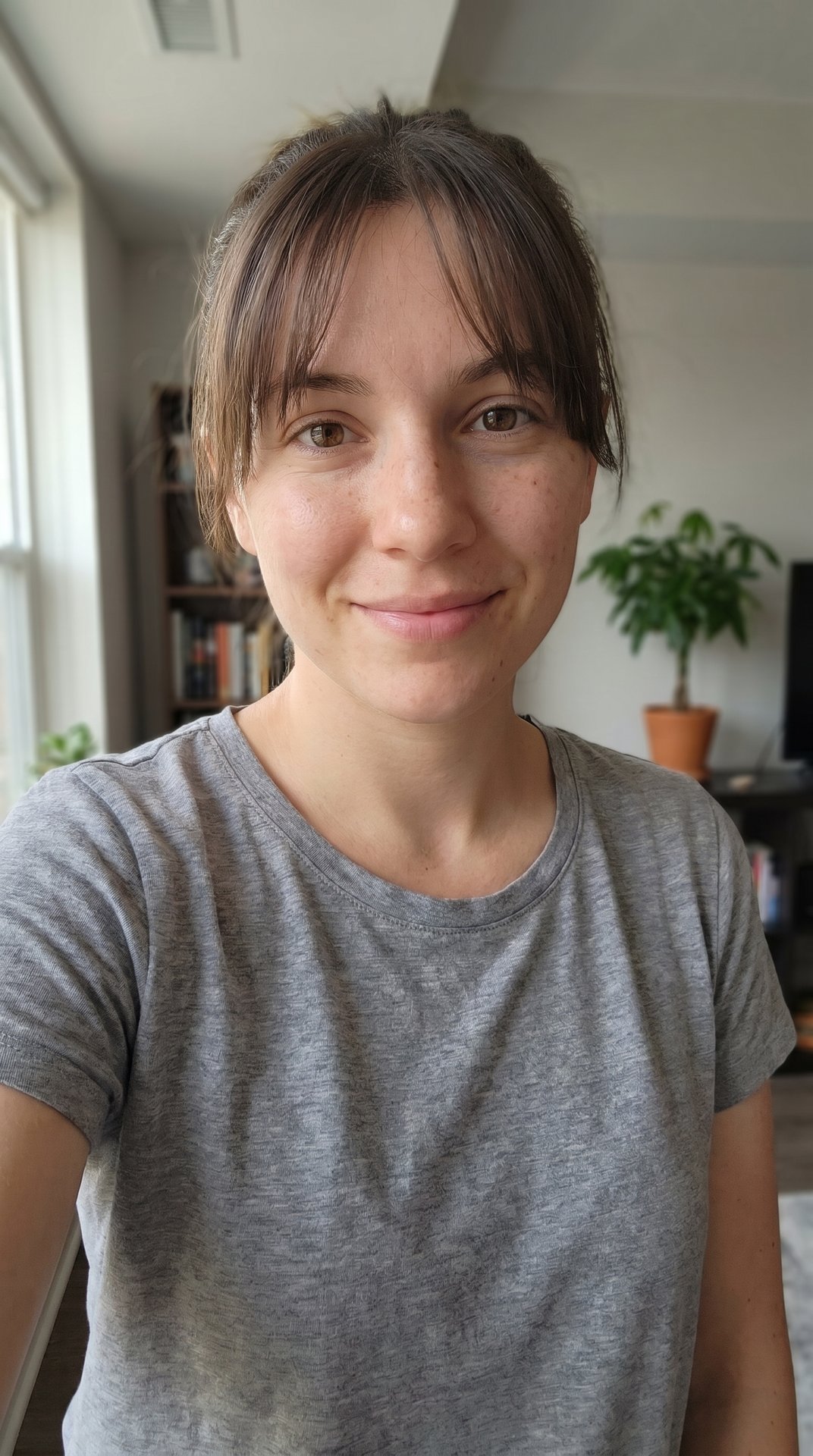
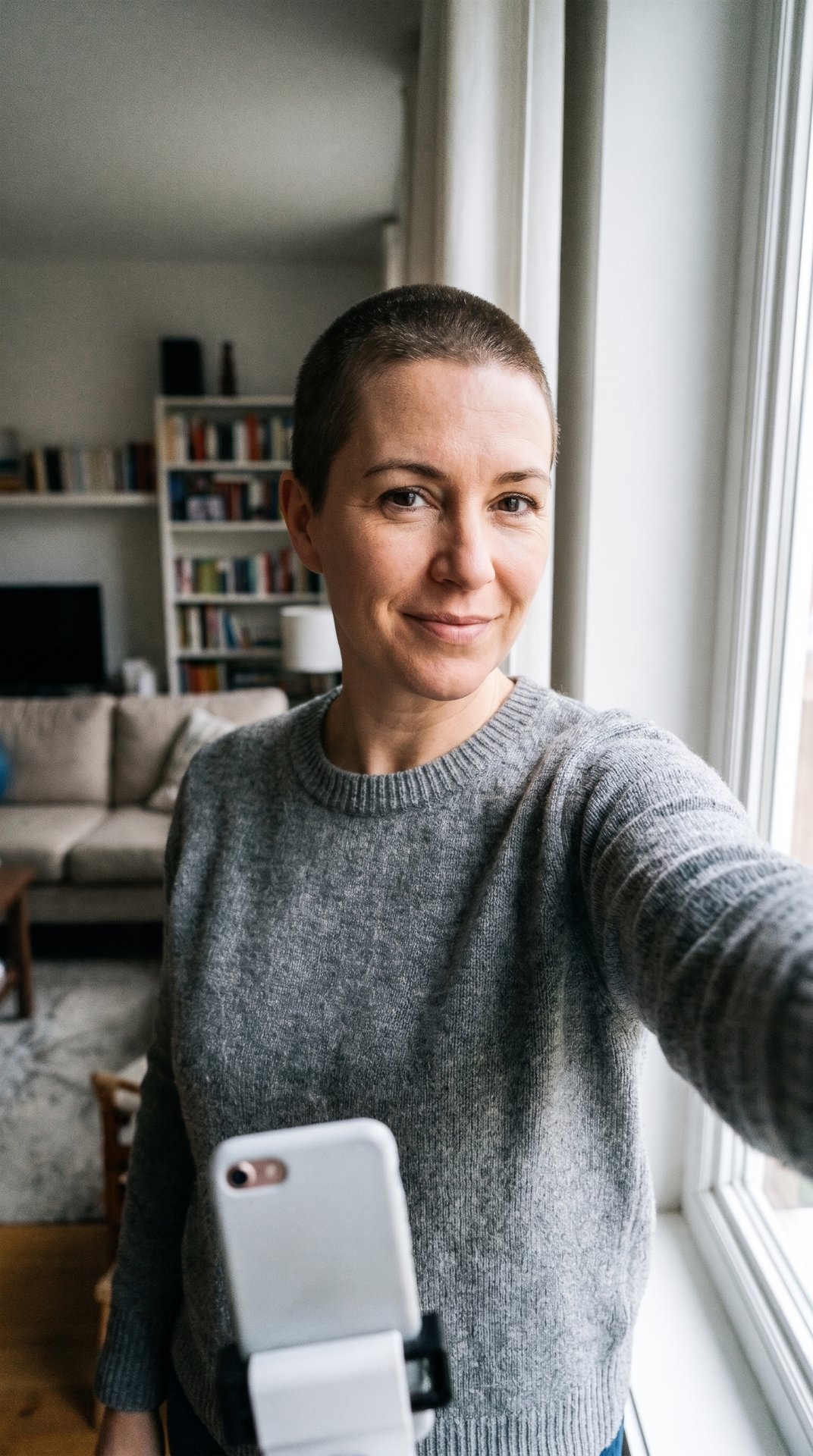
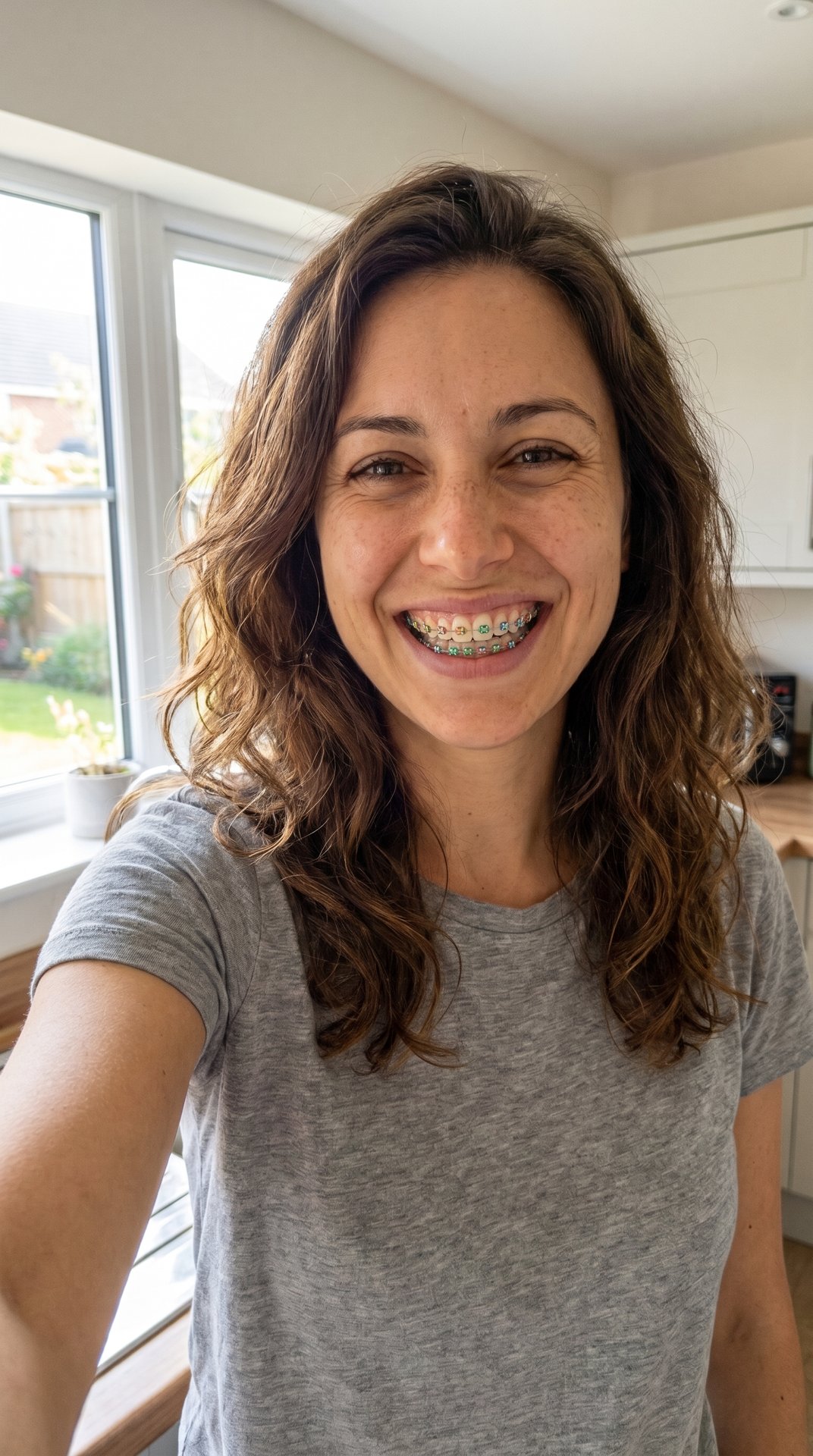
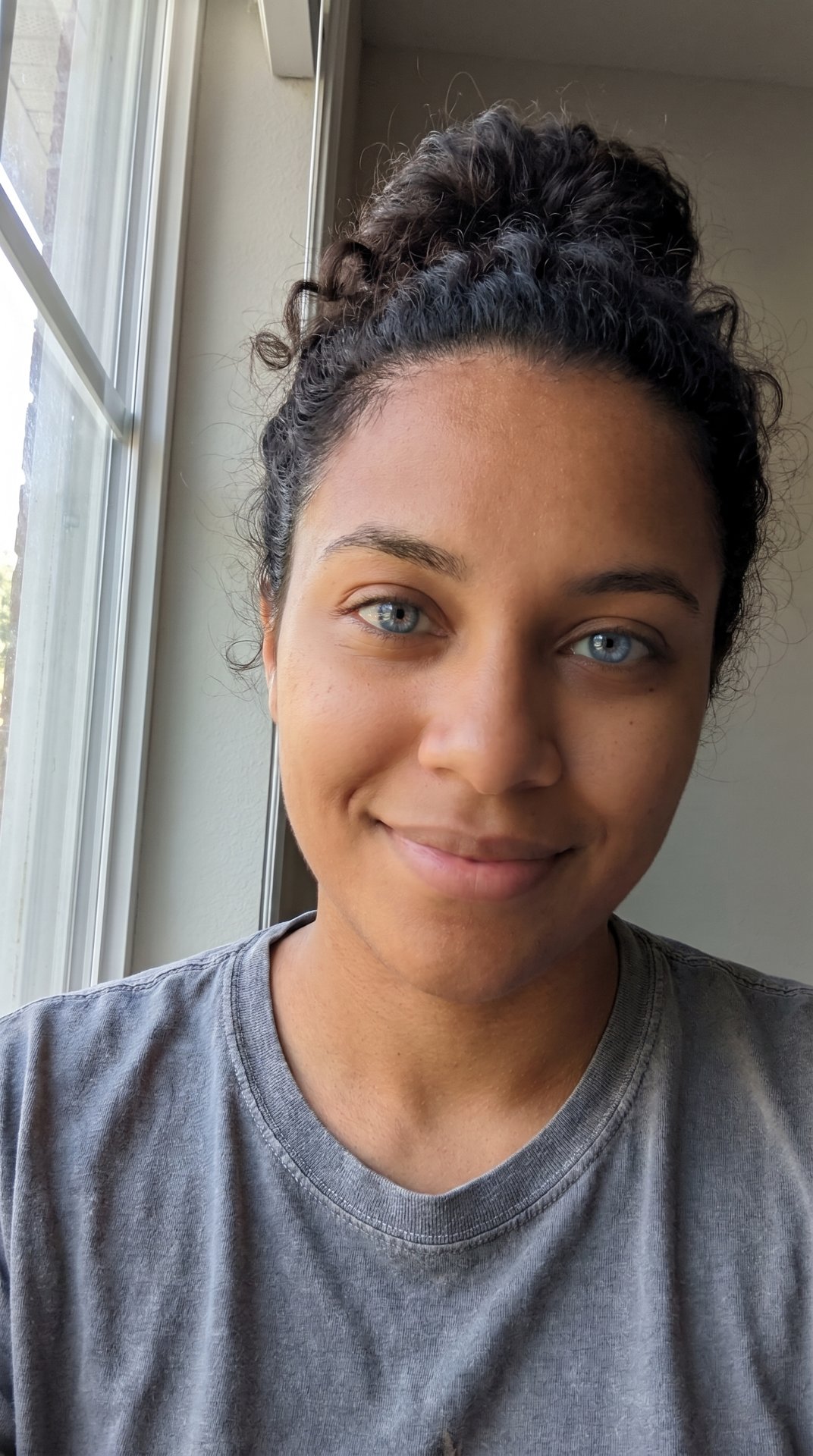
Made with this generator
Examples are made with AI, using AI-made people.
What does AI Hair Color Changer mean?
A hair color changer answers one question: what would I look like with different hair? You give it a selfie and pick a shade, and it hands back the same face with the hair recolored, from platinum blonde to jet black or pastel pink. On TikTok the answer is usually posted as a before-and-after: your real hair, then the new color, often with a caption asking whether you should do it.
Many people use it as a try-on before a salon visit. One April 2023 post told viewers to use the filter before making their hair appointments. Others just play with colors they would never dye for real.
Why did AI Hair Color Changer take off?
Dyeing your hair is a commitment, and a hair color changer makes it free to change your mind. The before-and-after format also suits short video: the switch lands in a second, and the comments vote on the new color.
It keeps going because the colors keep changing. A May 2024 YouCam roundup of TikTok hair filters listed classic blonde, blue, ginger, ash gray and rainbow, and said a new hair color seemed to pop up every month. In autumn 2023 the Hair Dye Split effect added a twist: it was rumored to pick the color that suits you best, per Nylon.
Where did AI Hair Color Changer come from?
Hair recoloring filters are older than the TikTok trend. Snapchat's Lens Studio has a Hair Color template that lets creators build a lens that recolors the user's hair, with a base and a second color for the roots, the ends or the full length.
The hair color changer trend on TikTok took off in April 2023. On April 6, Distractify described before-and-after videos of hair switching from one shade to another and counted over 432 million views on #haircolorchange. It wasn't one TikTok filter: people changed the color in FaceApp (or YouCam Makeup) and stitched the two photos in a CapCut template. NewBeauty said the same on April 10 and asked celebrity colorist Chad Kenyon about it; he told readers to keep realistic expectations, since "Not all desired results are always achievable."
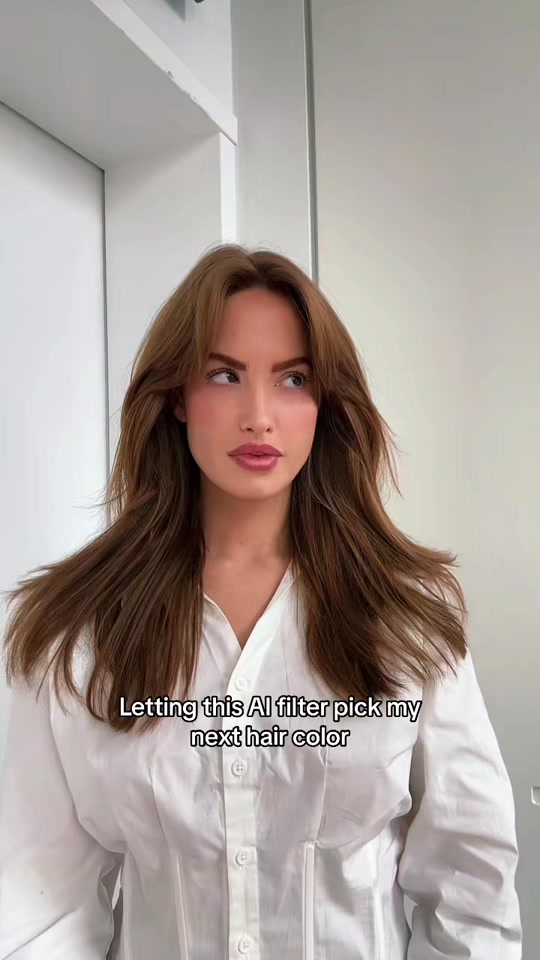
The second wave was a TikTok effect. In late October 2023 the Hair Dye Split effect spread, with creators letting "this AI filter pick my next hair color". Haley Kalil's post on October 30 was captioned "THE WAY I NEEED THIS HAIR COLOR IMMEDIATELY", and Nylon reported on November 2 that the filter had been used in over 1.6 million TikTok videos. AI hair color changer tools now do the same from a single photo.
- A TikTok post tagged #haircolorchange and #blondehairfilter tells viewers to use the filter before making hair appointments.
- Distractify covers the hair color change trend: over 432 million views on #haircolorchange, made with FaceApp and CapCut.
- NewBeauty explains the videos aren't a TikTok filter and asks a colorist what is realistic.
- Haley Kalil posts the Hair Dye Split effect: "THE WAY I NEEED THIS HAIR COLOR IMMEDIATELY".
- Nylon reports the Hair Dye Split filter has been used in over 1.6 million TikTok videos.
- YouCam lists trending TikTok hair color filters: classic blonde, blue, ginger, ash gray and rainbow.
Popular versions of AI Hair Color Changer
The before-and-after
The 2023 format: your real hair, then the new color, cut together in a CapCut template. Distractify's steps used FaceApp for the color and the "Antes e depois" template for the switch.
Let the filter pick
The Hair Dye Split version: the effect chooses a color for you and the post reacts to it. Nylon noted the claim that it picks your best color was a rumor.
Blonde hair filter
The most common try-on: brunettes going blonde before committing to bleach. YouCam's 2024 list opened with a classic blonde filter, and April 2023 posts were tagged #blondehairfilter.
Black, pink and fashion colors
A black hair filter shows the opposite move, and pink, blue, ash gray or rainbow show colors people might never dye for real.
How do I make AI Hair Color Changer?
- Photos
- 1 photo of you
- Output
- Image: vertical 9:16, about a minute, 5 credits
- You choose
- A caption (optional)
- Fixed
- One person, one photoOne even color over all the hair
You get
- Your selfie with all your hair dyed the color you choose, even from roots to ends
- Your face, haircut, length, eyebrows, clothes and background kept as in the photo
- A vertical picture, ready to post next to your real hair
Not included
- A video or a live camera filter: this one is a picture
- A new haircut, length or style: only the color changes
- Highlights, ombre or split dye
- A promise that a salon can get the same shade on your hair
Step by step
- Tap "Put me in it" at the bottom of this page.
- Upload your photo, or both photos. A clear, front-facing face works best.
- Type a caption, or leave it empty.
- The price is on the button, and a new account that signs in with Google gets 10 credits free.
- Wait for it to finish. It is saved under Me, where you can download or share it. A render that fails is refunded.
How to post AI Hair Color Changer on TikTok
- Start from a clear selfie in daylight with your hair visible and nothing on your head.
- Post your real hair first, then the new color, and ask people to vote.
- Tag it #haircolorchange so it lands with the other try-ons.
Questions about AI Hair Color Changer
How does the AI hair color changer work?
You upload one selfie and type or pick a color, such as platinum blonde, jet black, copper red, pastel pink or silver gray. The AI hair color changer dyes the hair in your photo that color and keeps your face, haircut, clothes and background as they were.
Is there a free hair color changer?
The 2023 guides used tools that came with apps: TikTok effects, Snapchat lenses and a CapCut template, while FaceApp was paid after a free trial, per Distractify. Ours is paid too: one picture costs 5 credits, and a picture that fails is refunded.
How do I get the hair color filter on TikTok?
Tap the effects button in TikTok's camera and search for a hair color, or tap the effect's name on a video that uses it, such as Hair Dye Split. Effects come and go, so search before you rely on one. The April 2023 videos weren't a TikTok filter at all: they were FaceApp photos cut together in CapCut.
Is there a blonde hair filter on Snapchat?
Snapchat lenses that recolor hair are made with Lens Studio's Hair Color template, so they are lenses made by creators. Tap the smiley face in the camera, open Explore and search "blonde" or "hair color" to see what is there now.
Can I try a black hair filter or a pink hair filter?
Yes. Type the color you want: jet black, pastel pink, hot pink, or anything else. The hair color changer uses your words, so "rose gold" or "blue-black" work too.
Will my hair really look like that after dyeing?
Not necessarily. A hair color changer paints the color on; it doesn't know your hair's history. Colorist Chad Kenyon told NewBeauty that dyeing exposes the hair's underlying red, orange and yellow pigment, and that not every result is achievable, so show the picture to your colorist and ask.
Does the hair color changer change my haircut or face?
No. It keeps the cut, length, parting and texture, your eyebrows and any beard, and your face exactly as in the photo. Only the hair color changes. If you want a new haircut or length, that's a different tool.
Can I try highlights, ombre or two colors?
Ours makes one even color from roots to ends, so highlights, ombre and split dye are not included. You can still type a two-tone idea, but the result is made to look like one fresh dye job.
What photo works best?
A clear, front-facing selfie in natural light with your hair visible and loose. Hats, hoods and heavy filters hide the hair, and the AI hair color changer can only recolor what it can see.
Sources
- Distractify: TikTok's Hair Color-Changing Trend (Apr 6, 2023)
- NewBeauty: The viral TikTok hair color filter (Apr 10, 2023)
- Nylon: The Hair Dye Split filter on TikTok (Nov 2, 2023)
- YouCam: Top TikTok hair color filters (May 16, 2024)
- Snap Lens Studio: Hair Color template
- TikTok: Hair Dye Split post by @haleyybaylee, Oct 30, 2023
- TikTok: #blondehairfilter post, Apr 5, 2023
What changed on this page
Updated Oct 23, 2026
- Page added: the hair color change trend with dated sources, and a hair color changer that dyes the hair in your selfie the color you choose.
No account or email needed. We check every report within two days; a fix shows up in the list above with the date and what changed.
 AI Hair Color ChangerThe trend